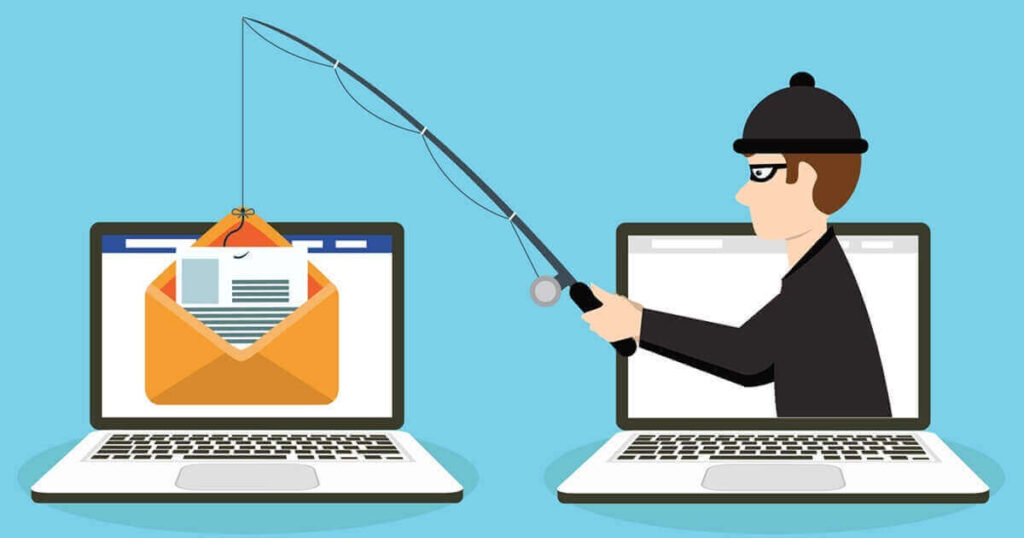

If you click on malicious links, they might take you to sites that steal your information or set up malware on your devices. Knowing how to check if a link is safe before you click on it is important for staying safe online. To see if a link is safe, either move your mouse over it and look at the URL it says it is or use a URL checker.
Read on to learn why it’s important to check a link’s safety, how to tell if a link is malicious, and what to do if you click one.
What’s the point of verifying if a link is safe?
Social engineering attacks like phishing try to get people to give up private information by pretending to be a real person or business. Many phishing emails or text messages (also called smishing or SMS phishing) have links that look like real links to get you to click on them. Cybercriminals can get a link that says “XYZBank.com,” but it actually goes to a different URL that isn’t the real bank’s website. Once the victim clicks the URL, they are taken to a fake website that usually asks for their login information. Also, these websites only take seconds to put malware on their devices. Therefore, everyone must ensure a link is safe before clicking on it. If you don’t, your accounts could be hacked.
If you get a link that you didn’t ask for, you must consider the possibility of it being harmful. This makes you wary when trying to determine if a link is safe. You can check a link for safety in many ways before clicking on it.
How to Tell if a Link Is Safe
Use these methods to ensure a link is safe before clicking on it.
Move the mouse over the link.
When you move your mouse over a link, the URL appears, usually at the bottom of the browser page. For example, a hacker could make the words of a link look real, but the real link underneath could be something completely different.
Use a URL checker.
Alternatively, you may use a URL checker to verify if a link is safe. Google has its own URL checker, known as the Google Transparency Report. Copy a link into Google’s URL checker to see if it is safe. Right-click on a link and pick “copy” from the menu. Make sure you don’t click on the link by chance when you copy it.
You can click the link once you’re sure it’s safe. Always remember the tips above before you click on any links you get.
What you should do if you click on a harmful link
Sometimes, we make a sincere mistake or are ignorant of the risks associated with clicking unfamiliar links, which can lead to clicking a malicious link. Here are some actions you may take to protect your online data if you find yourself in a similar circumstance.
-
Don’t type in any information.
An online criminal’s goal with harmful websites is to steal your information. To do this, a hacker makes a fake website like the one you normally use. You’d try to log in with your username and password, just like you would on the real site since it’s a site you know. However, you provide the hacker access to your genuine account once you enter your login details on the fake website.
Cybercriminals can quickly get into your account and use it for bad things. This can be even more dangerous if you use the same password for multiple accounts because the hacker can get into all of them. It’s important to give each account a strong, unique password so that if one account gets hacked, it doesn’t affect the others.
-
Don’t select anything on the website.
Everything on the dodgy website that you click on could be a virus ready to happen. You shouldn’t click on anything on the site. You should also not click on ads because they might be “malvertisements,” which contain malware.
-
Log off of the internet.
Cybercriminals can’t get into your gadget from afar if you disconnect it from the internet. Additionally, it stops malware from spreading to other devices linked to your WiFi network and lowers the harm that malware can do.
-
Use security software to scan your whole device.
After following the steps above, you should be extra careful with your device and scan it with security software if you don’t already have it. You can find and get rid of bugs on your computer before they do any damage with antivirus software.
-
Pay attention to your accounts.
After taking steps to protect yourself, keep an eye on all of your accounts for anything that seems fishy. The hacker may have done something illegal within your short time on their fake website. Watch for strange logins, transactions you didn’t conduct, and other odd behavior on your bank statements.
Stay safe from harmful links.
It is important to learn how to spot dangerous links because they can keep us safe online. The number of harmful links sent will also increase, as phishing attacks do. Because of this, you should always be wary of any link you receive.
Be cautious of email attachments and shortened URLs. Emails from unknown senders or unexpected sources should be treated cautiously, especially if they contain attachments or shortened URLs. Malicious actors often use email attachments to distribute malware, while shortened URLs can hide the true destination of a link. Verify their authenticity and necessity before opening any email attachments or clicking on shortened URLs.
Finally, adopting a cautious approach when encountering links online is crucial. Applying the tips mentioned in this blog post can protect you from phishing attempts, malware infections, and other malicious activities. Remember, a moment of vigilance can save you from potential harm. Stay safe, and think twice before you click!